Hytale Update 5 Freeze: Hotfix Status, Causes and Safe Fixes
A practical guide for players and server owners who hit freezes, Update 5 errors, mod issues, or suspicious download pages after the latest Hytale patch cycle.
Short answer
If you searched for Hytale Update 5 freeze, start with the official hotfix notes before downloading anything. The safest path is to update through the official Hytale launcher, restart cleanly, test without mods, then check server-side changes such as trigger volumes, gamepads, discovery, and world logic. Do not treat APK mirrors, cracked launchers, or random patchers as fixes.

What Is the Official Hytale Update 5 Freeze Status?
Update 5 is not just a cosmetic patch. The official Update 5 and hotfix cycle touched stability, server discovery, trigger volumes, gamepad behavior, gameplay systems, and several bugs that can look like a freeze to players. That is why a useful fix starts with version context instead of a random reinstall.
The latest verified public build referenced by Hytale's official hotfix notes is 0.5.7, published in the Update 5 hotfix cycle. Because the launcher handles supported downloads, this site does not provide a direct game file mirror or claim that an unofficial APK can fix the problem.
If your game freezes after Update 5, separate three cases: the official client has not fully updated, a server or mod is still built around older behavior, or a local device issue is blocking the launcher/game from completing a clean session. Each case needs a different fix.
Fast Checks Before You Change Files
Run these checks in order. They solve the common cases without creating new account, malware, or save-file risk.
| Symptom | Likely area | Safe first action |
|---|---|---|
| Freeze on launch | Launcher cache or incomplete update | Close Hytale, restart the official launcher, and let it finish the current update before testing again. |
| Freeze after joining a server | Server script, trigger volume, region, or outdated content | Try an official or known clean server, then ask the server owner whether the Update 5 hotfix has been applied. |
| Freeze after adding mods | Mod build mismatch | Remove the newest mod first and test a clean profile before reinstalling more files. |
| Controller or input lock | Gamepad/input behavior changed in Update 5 | Disconnect extra input devices, restart, then test keyboard and mouse before changing settings. |
| A site offers a freeze fixer APK | Unverified download intent | Do not install it. Verify the issue through official launcher and support sources first. |
Why Update 5 Freezes Can Happen
A freeze is not a diagnosis. It can describe a stuck launcher, a black screen, a loading screen that never completes, an input lock, a server timeout, or a script loop. Treating all of those as the same problem is how players end up downloading unsafe tools.
For players, the most useful test is isolation. Launch with the official launcher, avoid third-party patchers, join a clean environment, and change only one variable at a time. If the issue disappears without mods or on another server, the update itself is probably not the only cause.
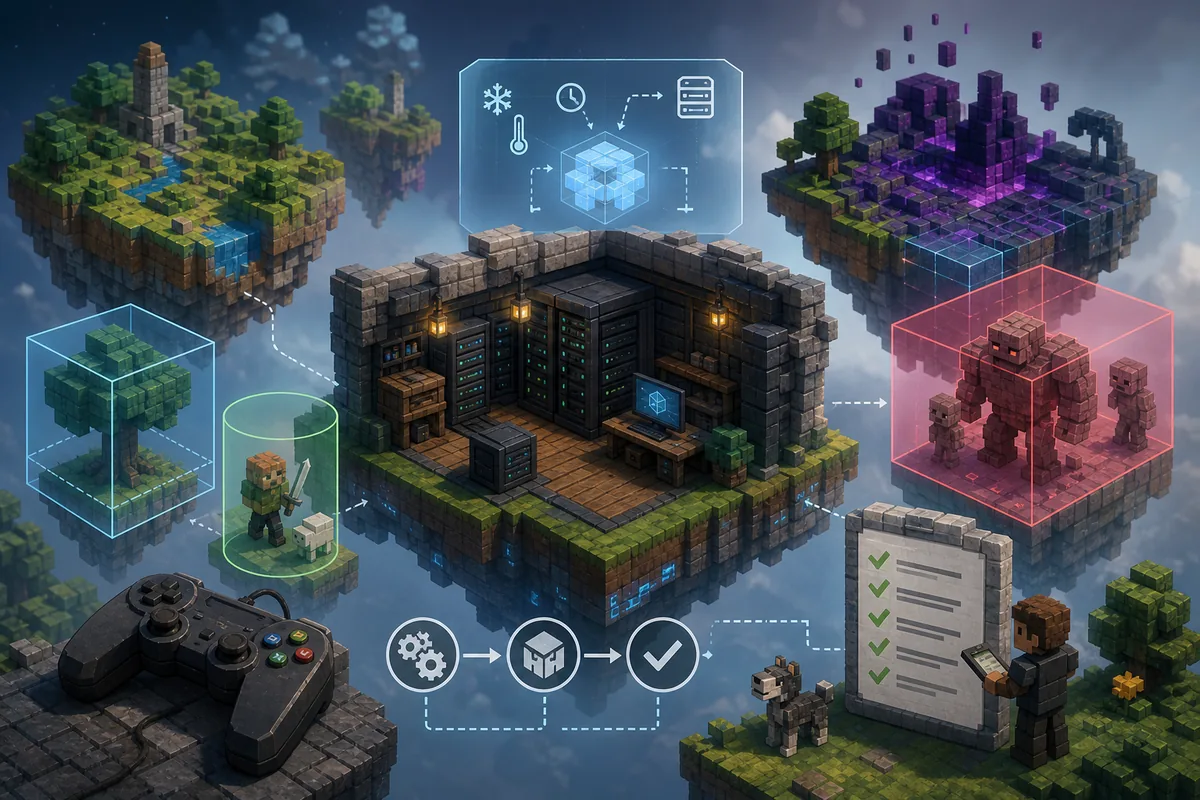
For server owners, Update 5 matters because content, trigger volumes, player-ready events, controller behavior, and server discovery can interact. A freeze reported by one player may be a server-side compatibility problem that needs logs and staged testing, not a client reinstall.
| Cause | What it looks like | Best next step |
|---|---|---|
| Incomplete launcher update | The game stalls before reaching the main menu. | Update only through the official launcher and restart the device if the launcher was interrupted. |
| Server-side script or trigger issue | Freezes occur on one server or after entering a specific area. | Review server logs, disable the newest change, and test the same area in staging. |
| Mod mismatch | The problem starts after installing or enabling a mod. | Remove the mod, check version notes, and wait for an Update 5-compatible release. |
| Input/device conflict | Game appears active but controls stop responding. | Retest without gamepads, overlays, or extra input utilities. |
| Fake patcher or APK | A download page promises instant fixes or mobile access. | Do not use it; it is not a verified Hytale fix. |
Checklist for Server Owners
Server owners should avoid patching live worlds blindly. Save backups, test the world after Update 5 in a staging copy, and document every plugin, mod, data pack, script, and changed setting before opening the server to players again.
The useful question is not simply whether the server runs. Ask whether players can join, move through changed areas, interact with trigger volumes, use expected controls, and disconnect cleanly without creating repeated error logs.
- Back up the world, config, logs, and mod/plugin folders before the first Update 5 test.
- Start with a clean server boot, then re-enable custom content in small batches.
- Check logs around player-ready events, trigger volumes, server discovery, and disconnects.
- Tell players which build is supported and whether a mod is temporarily disabled.
- Keep a rollback plan for public worlds until the issue is reproduced and fixed.
How to Handle Mods After Update 5
Similarweb showed question demand around installing mods to Hytale Update 5, but that intent belongs inside an Update 5 troubleshooting page and the existing mods guide, not a separate duplicate page. The short rule is simple: version notes beat search snippets.
Do not assume a mod that worked before Update 5 is safe after Update 5. Check the creator's changelog, supported build, dependencies, and user reports. If the page has no creator identity, no version support, and only a mirror button, treat it as untrusted.
Creators should publish clear compatibility notes. Players should test one mod at a time and avoid any installer that asks for account credentials, browser cookies, antivirus exclusions, or unrelated mobile packages.
Does Update 5 Mean There Is a Hytale APK Fix?
No. Update 5 search interest does not confirm an official Android APK, an APK freeze fix, or a mobile patcher. Hytale APK searches are common, but a mirror using the right keyword is not proof of authenticity.
If you are on Android or looking for mobile access, use the Android status guide on this site and official Hytale channels. Do not install an APK that claims to repair Update 5 unless official Hytale sources announce that exact mobile package and distribution path.
The safest download path remains the official Hytale download page and support documentation for supported platforms. This page links there because it is better to lose a few minutes checking the source than to install a fake fixer.
Safety rule
A freeze after Update 5 should be debugged through the official launcher, clean testing, logs, and verified support notes, not through third-party APK fixers.
Version Freshness Check
This site is download-adjacent, so version freshness was checked before creating the page.
| Download-site decision | Yes: the domain targets Hytale APK, launcher, download, server and mobile safety intent. |
|---|---|
| Sources checked | Hytale download page, Hytale Update 5 patch notes, Hytale Update 5 hotfix notes, and Hytale support download article. |
| Update 5 version covered | 0.5.7 in the official Update 5 hotfix notes; this is historical, not the current site-wide latest version. |
| Current update context | The Update 6 pre-release reached Part 12 on August 13, 2026; recheck the official channel before troubleshooting or publishing compatibility claims. |
| Release/update date | Update 5 hotfix cycle in May-June 2026, as published on Hytale official news. |
| File size and package | No reliable public file size or Android package name was verified, so none is claimed. |
| Official download URL | https://hytale.com/download and official support/download documentation. |
Bottom Line
Hytale Update 5 freeze searches deserve a focused page because the intent is different from release date, APK availability, price, or general mods. The answer is not a magic file. It is a source-first troubleshooting flow: confirm the official version, update through the launcher, test cleanly, isolate server and mod changes, and avoid unverified fixers.
If you own a server, make backups and stage the update. If you are a player, remove variables before reinstalling. If a page claims an APK or cracked launcher fixes Update 5, treat that claim as a warning sign rather than a shortcut.
Frequently Asked Questions
References
- Hytale official Update 5 hotfix notes
- Hytale official Update 5 patch notes
- Hytale official download page
- Hytale support: how to download and play
Images on this page are editorial illustrations generated for explanation. They are not official screenshots, real gameplay captures, or proof of a mobile APK.