Hytale Price 2026: Cost, Free-to-Play Questions and Buying Safely
Check the official Early Access price, regional checkout details, free claims, Steam or mobile confusion and refund steps before paying.
Quick answer
The official launch reference lists the Hytale Starter Edition at $19.99 USD. Your final checkout can vary by region, taxes and account flow, so use the official store as the source of truth. Hytale is not a free full-download shortcut, and a cheap APK, key or cracked launcher is not a safe alternative. Save the receipt and verify the account before installing.
What Is the Current Hytale Price?
The current Hytale price reference is the $19.99 USD Starter Edition named in the official launch material. Treat that as a reference, then open the official store for your region because currency, tax, bundles and account eligibility can change. A search result that says free access or a cheaper unlock is not a substitute for the official checkout.
As of this guide update, Hytale has an official purchase path connected from the Hytale website, while the game is still framed around early access rather than a final finished launch. That matters because early access can include changing features, changing requirements, and support policies that are different from a boxed final release.
Do not use a random search snippet, social post, key-reseller listing, APK page, or launcher mirror as the final price. Open the official store in your own region, check the checkout currency, confirm the account you are using, and save the receipt before installing anything.
The official launch post names the Starter Edition at $19.99 USD. If a page claims free full access, a cheaper unlock, or a separate beta key, verify it against the official Hytale account and download flow before paying or installing anything.
Where Should You Buy Hytale Safely?
A safe buying path is boring on purpose: official site, official account, official receipt. Anything else needs extra skepticism.
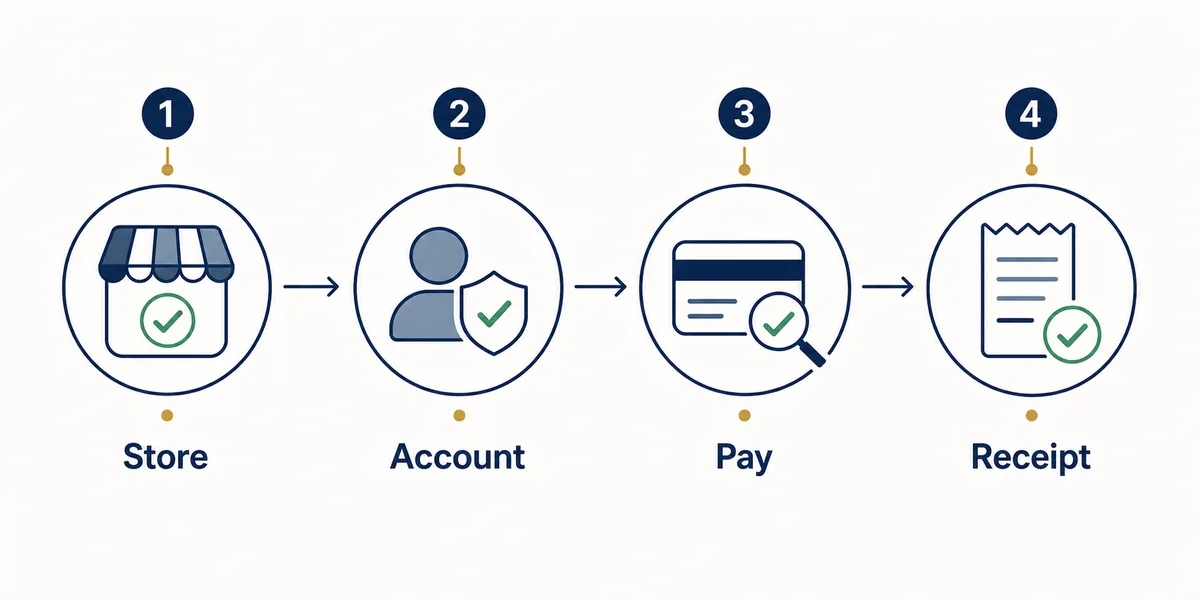
- Start from hytale.com or the official store link, not from a third-party download page.
- Confirm you are signed into the account that should own the game before paying.
- Check whether the product page describes early access, platform support, and any launcher requirement.
- Review taxes, currency conversion, card fees, and parental approval before completing payment.
- Keep the confirmation email, order ID, and account email in case support asks for purchase proof.
| Purchase route | Fit | Risk level |
|---|---|---|
| Official Hytale store | Best default path for buying and verifying price | Lowest |
| Official launcher/account flow | Useful when checkout is linked from your Hytale account | Low |
| Steam or store pages not linked by Hytale | Wait for official confirmation before trusting | Medium to high |
| Cheap key marketplace | Price may look attractive but ownership/support can be unclear | High |
| APK or cracked launcher page | Not a safe purchase route | Avoid |
Payment Methods, Receipts and Refund Checks
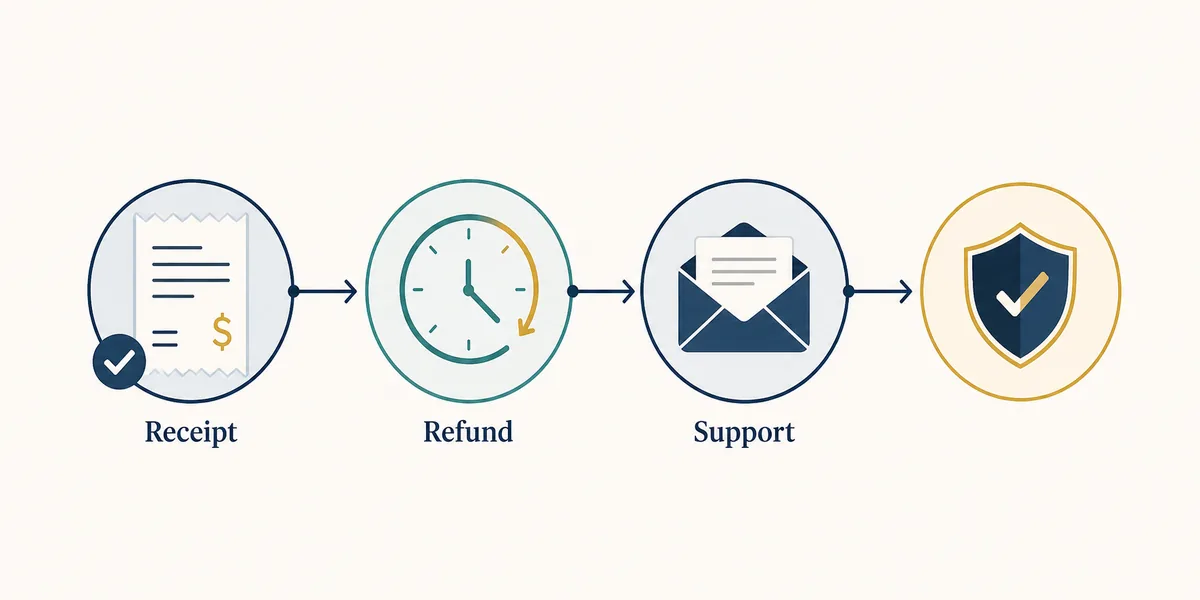
Payment support questions should be handled through the same account and receipt trail used for the purchase. If a payment fails, avoid retrying repeatedly through different mirrors. First check whether your bank blocked the transaction, whether the store supports your payment method, and whether the account email is correct.
Refunds also depend on the official policy and the state of the order. A guide can help you prepare, but it cannot override support rules. Before requesting a refund, collect your order ID, account email, purchase date, payment method, and a short explanation of the issue.
Avoid chargeback-first behavior unless you have exhausted the official support path. Chargebacks can affect account access or future payments, and they are harder to resolve than a documented support ticket.
Payment issue checklist
- Take a screenshot or save the exact error message without exposing card details.
- Check whether the payment was pending, failed, or completed in your bank app.
- Verify the account email and receipt before opening a ticket.
- Use official Hytale support rather than social DMs or Discord strangers for billing issues.
Is Hytale Free? What About Steam, APK, or Console Offers?
Search tools show related demand around free Hytale launchers, Steam claims, regional buy terms, and APK downloads. Most of those queries should not become download promises. They should be answered with boundaries: if Hytale confirms a platform or free offer, the official site will be the reference; otherwise treat it as unverified.
Steam Deck, console, mobile, and APK questions are adjacent to price, but they are not the same decision. A player may want to know whether they can buy once and play everywhere. Until official platform details say that clearly, do not assume cross-buy, cross-progression, mobile access, or a free APK is included.
Free server hosting and free launcher searches often lead to community pages or piracy-adjacent results. Those can be useful as cautionary FAQ topics, but they are poor candidates for a standalone purchase page because they shift the reader away from verified ownership.
Strong but separate-intent keywords from Similarweb, such as broad Minecraft mod terms, cracked launchers, APK mirrors, and generic free-download queries, are not being turned into new pages in this update. They are handled only as warnings, FAQ answers, or internal-link anchors inside the closest existing guide.
| Claim | Best action | Where it belongs |
|---|---|---|
| Is Hytale free? | Check official announcements and store wording | FAQ / price guide |
| Hytale on Steam | Wait for official Hytale platform confirmation | FAQ / Steam support section |
| Hytale APK free download | Do not treat as official without confirmation | Android status guide |
| Cheap or cracked launcher | Avoid | Safety warning |
| Console cross-buy | Do not assume it exists | Future platform FAQ |
Buyer Checklist Before You Pay
Use this checklist before entering payment details or trusting a discounted offer.
- The URL is an official Hytale or official account/store domain.
- The page clearly shows what you are buying and whether it is early access.
- The final price, tax, currency, and payment method are visible before checkout.
- The account email is correct and recoverable.
- You understand the refund/support route before purchase.
- No page asks you to disable security tools, install an unrelated downloader, or share your account password.
Bottom Line
A Hytale price guide should not guess a universal price from old snippets. The useful answer is a safe decision process: verify the official store, understand early access, check your account and payment method, keep the receipt, and use official support for refunds or billing issues.
If a page promises a free APK, cracked launcher, suspicious discount, or Steam download that Hytale itself does not confirm, treat it as a warning sign rather than a bargain.
Frequently Asked Questions
Media note
This page now treats Early Access, official launcher, price, system requirements, server hosting, Android status, and mods as separate keyword boundaries so related searches can be answered without cannibalizing sibling guides.
Sources checked
- Hytale official Early Access launch
- Official Hytale download page
- Official Hytale store
- Hytale Early Access announcement
- Hytale support center
Updated for Early Access: August 13, 2026