Hytale Launcher Guide: Official Download, Install Steps and Safety Checks
Use the official launcher path, understand what the launcher does, and avoid third-party launchers, GitHub clones, repacks, cracked installers, and fake APK shortcuts.
Quick answer
Hytale is now in public Early Access, which launched on January 13, 2026. Treat every download, launcher, server, mod, price, and system-requirements claim through that Early Access lens: the game is playable, still unfinished, and official pages remain the safest source for current files and account access. The official launch post names the Starter Edition at $19.99 USD. If a page claims free full access, a cheaper unlock, or a separate beta key, verify it against the official Hytale account and download flow before paying or installing anything.
What Is the Official Hytale Launcher?
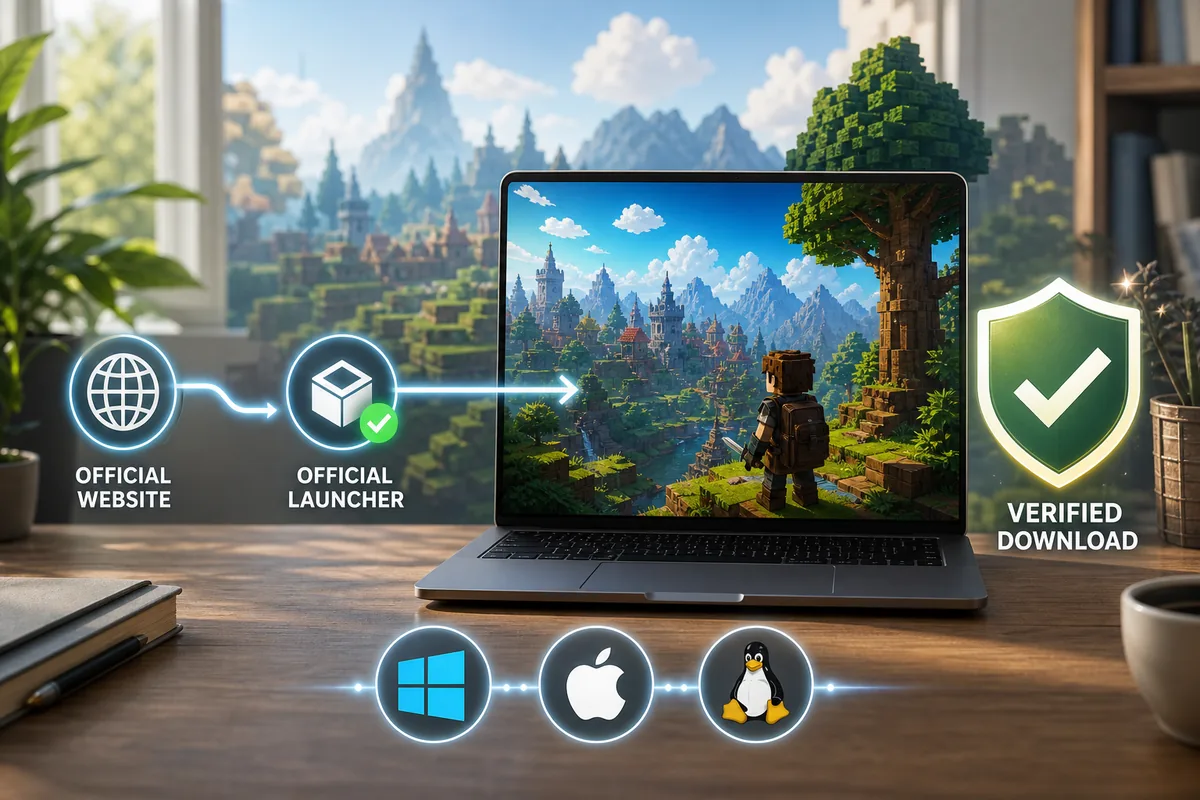
The Hytale launcher is the desktop entry point that connects the official download, account sign-in, updates, and game launch flow. It is not the same thing as a random ZIP, a mobile APK, a cracked shortcut, a community mod manager, or a server file package.
That distinction matters because search results around Hytale launcher contain mixed intent. Some people want the real PC installer. Others search for free launchers, GitHub mirrors, repacks, or platform ports. A good launcher guide should keep those paths separate instead of treating every result as a valid download.
Use Hytale's own website, download page, support center, and official news as the trust chain. If a page cannot connect its file back to that chain, treat it as unverified. Even if it uses Hytale artwork or says latest version, it can still be unsafe.
Hytale is now in public Early Access, which launched on January 13, 2026. Treat every download, launcher, server, mod, price, and system-requirements claim through that Early Access lens: the game is playable, still unfinished, and official pages remain the safest source for current files and account access.
Linux users should separate the official launcher from community wrappers. If you need the launcher directory for logs, cache, or troubleshooting, follow the path shown by the current official package or support response rather than copying an old Reddit path. Directory layouts can change between launcher builds, and deleting the wrong folder can remove useful logs or force a full download.
How to Download and Install the Hytale Launcher Safely
Use this checklist before you run any installer. The exact button names can change, but the safety sequence should stay the same.
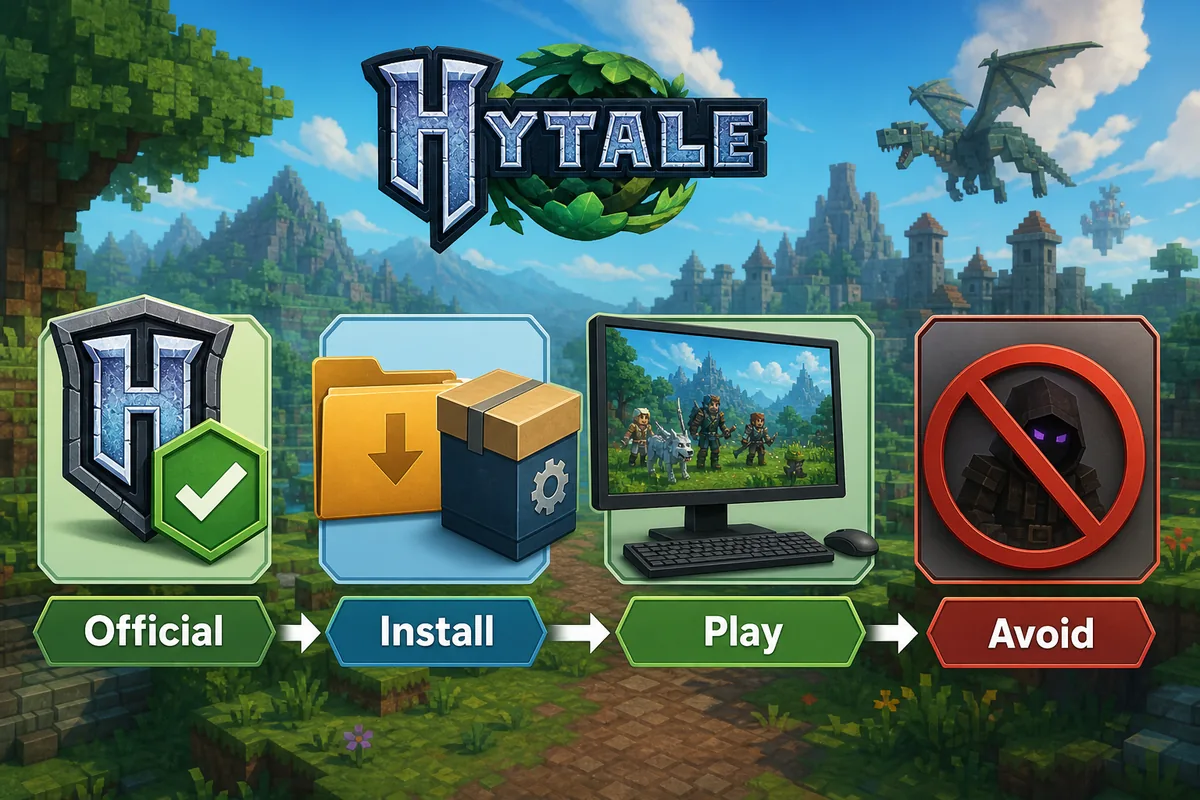
- Open hytale.com or a Hytale support article linked from the official site. Avoid search-result ads and mirror pages for the first click.
- Choose the installer that matches your desktop platform. Do not install a Windows file on macOS or a Linux package from an unrelated repository.
- Check that the file name, publisher context, and destination page match the official download path before running the installer.
- Install the launcher with normal user permissions unless official documentation says otherwise. Avoid scripts that ask you to disable security tools.
- Sign in only through the official account flow. Do not paste credentials into a clone launcher or a community page that promises beta access.
- Let the launcher handle updates. If another page says you need a manual patch, online fix, unlocker, or modified executable, stop and verify again.
- After launch, use the in-game settings and official support notes for performance, storage, login, and update troubleshooting.
Windows, macOS, and Linux: What Should You Check?
Similarweb keyword data shows demand for launcher, download, and platform-specific install queries. The safest answer is to verify the official platform list first, then follow the matching installer path.
| Platform | What to check | Common mistake |
|---|---|---|
| Windows | Use the official Windows installer, keep graphics drivers current, and install to a drive with enough free SSD space. | Downloading a repack or cracked launcher because it appears above the official page in search results. |
| macOS | Confirm the current macOS build and chip support before installing. Gatekeeper prompts should still point back to an official source. | Installing a random DMG from a mirror because it uses Hytale branding. |
| Linux | Check whether the current official package or support article names the Linux format you plan to use. | Following an old repository, unofficial shell script, or Arch package claim without checking official support. |
| Android or iOS | Keep mobile questions separate from the desktop launcher. A PC launcher does not prove a native APK or iOS app exists. | Treating an APK mirror as the mobile version of the launcher. |
Account, Purchase, and Early Access Basics
The launcher is closely tied to account and entitlement checks. That means a legitimate install path should not ask you to bypass sign-in, share credentials, import unknown tokens, or buy a beta key from a reseller. If access depends on a purchase or early-access entitlement, confirm it through official store or support pages.
Keep price questions separate from launcher questions. A launcher can be free to download while the game, early access, or account entitlement still has its own purchase terms. Likewise, a free download claim does not automatically mean the game is free, unlocked, or safe.
The official launch post names the Starter Edition at $19.99 USD. If a page claims free full access, a cheaper unlock, or a separate beta key, verify it against the official Hytale account and download flow before paying or installing anything.
- Use official store or account pages for payment and entitlement checks.
- Do not buy launcher access, beta keys, or cracked accounts from Discord, Reddit, Telegram, or marketplace sellers.
- Do not run launchers that request account tokens, browser cookies, or security-tool exclusions.
- Keep your receipt, account email, and launcher logs if you need support.
- Read the price guide before trusting discounts, refund claims, or free early-access promises.
Which Hytale Launcher Searches Should You Avoid?
Low-competition keyword tools can surface tempting terms such as free launcher GitHub, cracked launcher, online fix, repack, FitGirl, SteamUnlocked, and beta key. These can have search demand, but they are not good targets for a download page. They are better handled as safety warnings inside an official-source guide.
A safe article should answer why those terms are risky without linking to them, repeating download instructions, or presenting them as alternatives. The goal is to redirect users toward the verified launcher path.
Strong but separate-intent keywords from Similarweb, such as broad Minecraft mod terms, cracked launchers, APK mirrors, and generic free-download queries, are not being turned into new pages in this update. They are handled only as warnings, FAQ answers, or internal-link anchors inside the closest existing guide.
| Search claim | Best treatment | Reason |
|---|---|---|
| hytale free launcher github | Safety warning / FAQ | GitHub can host legitimate code, but a launcher clone is not automatically official or safe. |
| hytale fitgirl or repack | Do not target as a download page | Repack intent conflicts with account safety, updates, support, and malware risk. |
| hytale steamunlocked | Do not target | Unlocked-game queries usually imply piracy or modified executables. |
| hytale launcher arch | Support section only | Linux users need current official package guidance, not a random repository assumption. |
| hytale APK launcher | Internal link to Android status | Mobile APK intent is separate from the desktop launcher. |
Hytale Launcher Troubleshooting Checklist
When the launcher does not work, start with the boring checks before reinstalling from a different site.
| Problem | Likely cause | First safe check |
|---|---|---|
| Installer will not open | Wrong platform file, blocked download, or incomplete installer | Re-download from the official page and confirm the file matches your OS. |
| Login fails | Account, entitlement, region, or session issue | Use official support and do not enter credentials in a third-party launcher. |
| Update loop | Interrupted update, storage issue, or permissions conflict | Check free space, restart the launcher, and read support notes before deleting files. |
| Game launches with poor performance | Hardware, drivers, view distance, or background apps | Use the system requirements guide and lower view distance before reinstalling. |
| A guide says to install a patch or unlocker | Unverified modified launcher path | Stop and verify against official pages. Do not disable antivirus to run it. |
What Should You Read Next?
Use the next guide based on the question blocking your install.
Hytale system requirements
Check CPU, GPU, RAM, SSD, laptop, and performance expectations before blaming the launcher.
Hytale price guide
Understand purchase, refund, payment, and free-download claims before buying access.
Hytale server download guide
Keep server packages and desktop launcher installs separate.
Is Hytale on Android?
Use this if your launcher question is actually about APK or mobile availability.
Bottom Line
The best Hytale launcher advice is not complicated: start from official sources, install only the build meant for your desktop platform, keep account and payment checks inside official flows, and let the launcher update itself.
Do not turn low-difficulty search terms into download targets when the intent points to cracked launchers, repacks, APK mirrors, or GitHub clones. Those terms belong in safety guidance, FAQ, and internal-link anchors that move readers back to the official path.
Frequently Asked Questions
Media note
This page now treats Early Access, official launcher, price, system requirements, server hosting, Android status, and mods as separate keyword boundaries so related searches can be answered without cannibalizing sibling guides.
References
- Hytale official Early Access launch
- Hytale official download page
- Hytale support center
- Hytale official news
- Hytale support: How to Download and Play Hytale
Updated for Early Access: 2026-07-10