Hytale Beginner Guide: First Hour Checklist and Starter Tips for 2026
Start with the official launcher path, set realistic early access expectations, and use a simple first-session plan for exploring, building, combat, servers, and mobile safety.
Quick answer
The safest Hytale beginner path is to verify the official desktop launcher first, check whether your PC meets the current requirements, then treat your first hour as a learning loop: create a character, learn movement and inventory, gather basic materials, test combat carefully, and only join servers or download extras from sources you can trace back to Hytale or trusted communities. Do not start with a third-party APK, beta key seller, cracked launcher, or mod pack.
Start Here: What Should a New Hytale Player Check First?
If you are new to Hytale, the first decision is not which weapon to craft or which biome to explore. The first decision is whether the file, launcher, or guide you are following is actually connected to Hytale. Search results now mix official early access information, old speculation, hosting guides, mod pages, APK mirrors, and beta-key claims. A beginner guide should separate those paths before it talks about gameplay.
For 2026, plan around the official desktop launcher and early access wording unless Hytale announces another platform directly. A native Android APK, app-store release, console build, or private beta key needs its own official proof. A page that borrows Hytale images and says download now is not enough.
Once the source is clear, check your PC against the current requirements, read the support instructions, and decide whether you want a solo learning session, a small friend server, or a public community experience. Each path has different risks and a different first-hour plan.
The First 60 Minutes: A Practical Hytale Beginner Checklist
Your first session should teach you the interface, world rhythm, and safety basics without burying you in advanced modding or server administration.
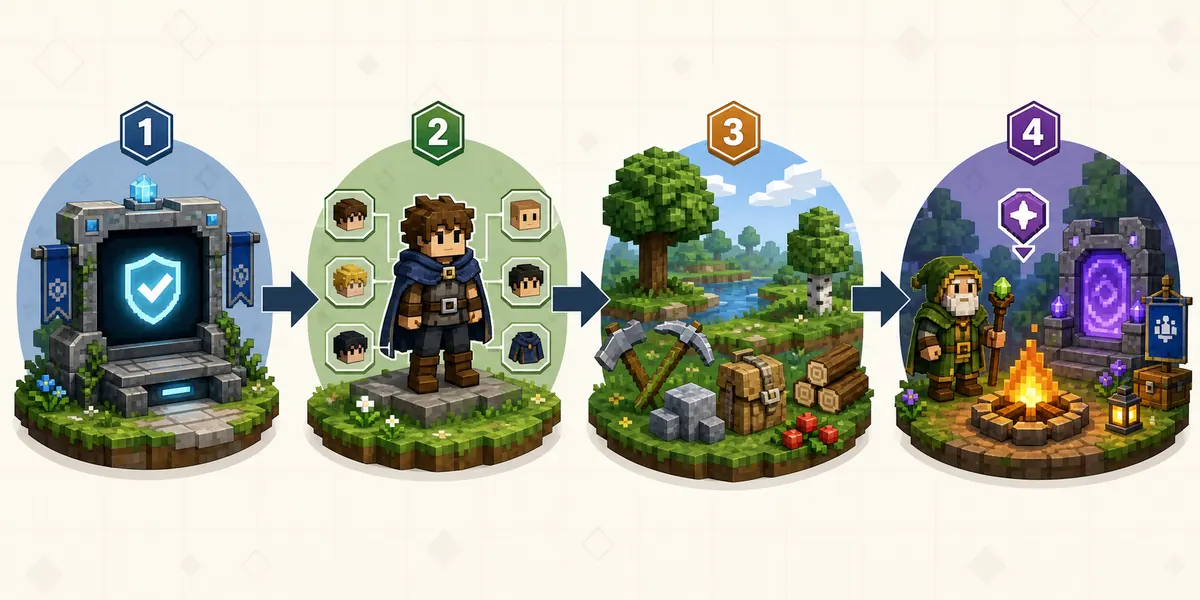
- Verify the download source and account flow before installing anything.
- Check CPU, GPU, RAM, storage, and driver requirements before blaming performance on the game.
- Create a character and spend a few minutes learning movement, camera, inventory, map, and settings.
- Start in a low-risk area and gather simple materials before chasing enemies or dungeons.
- Make a small base marker, temporary shelter, or waypoint so you can recover your route.
- Test combat against weak enemies first; watch attack timing, healing options, and escape routes.
- Try building with a small goal, such as a bridge, storage corner, or protected campsite.
- Join servers only when the server rules, region, moderation, and download requirements are clear.
First-hour plan
| Time | Focus | Why it matters |
|---|---|---|
| 0-10 min | Source, login, settings | Stops unsafe downloads and fixes resolution or control issues early. |
| 10-25 min | Movement, inventory, gathering | Builds the basic loop before you enter dangerous areas. |
| 25-40 min | Shelter, crafting, waypoint | Gives you a fallback point and helps you understand block placement. |
| 40-55 min | Combat and exploration | Lets you learn enemy behavior without risking everything. |
| 55-60 min | Save notes and next step | Record what confused you: performance, controls, server access, mods, or mobile status. |
Core Systems Beginners Should Learn Before Chasing Advanced Content
Hytale is a sandbox RPG, so early progress is less about one perfect route and more about learning systems that repeat across worlds and servers.
Exploration and navigation
Notice landmarks, elevation, water paths, cave entrances, and biome edges. A beginner who can return to a base or friend group has a much easier time experimenting.
Building and crafting
Start with small useful builds instead of a huge castle. Storage, lighting, bridges, farms, and safe paths teach more than decorative blocks during the first session.
Combat pacing
Do not assume every creature is balanced for a new player. Learn weapon reach, attack windows, healing, armor, and retreat routes before entering deeper zones.
Servers and social play
A server can make Hytale more approachable, but only when rules and required files are clear. Avoid communities that demand cracked launchers, account sharing, or unrelated installers.
Creator tools and mods
Hytale's creator ecosystem is a major draw, but modding is not the same as installing a random ZIP. Learn the base game and official launcher behavior first.
Starter Priorities: What to Do Before Optimizing Builds
Use the table below as a decision aid rather than a fixed meta. Early access patches can change item names, balance, and exact recipes.
| Priority | Beginner goal | Good sign |
|---|---|---|
| Safe source | Install only from official or traceable pages | The domain, support path, and account flow match Hytale guidance. |
| Stable performance | Choose settings your device can hold | Movement feels consistent and loading does not interrupt learning. |
| Basic materials | Collect simple resources and understand inventory | You can craft or place essentials without searching every step. |
| Temporary shelter | Create a small protected point | You can leave, return, store items, and recover after mistakes. |
| Simple combat | Practice against low-risk enemies | You understand when to block, dodge, heal, or retreat. |
| Next guide | Pick one deeper topic | Requirements, Android status, mods, servers, or release updates become the next question. |
Servers, Mods and Mobile: Keep These Beginner Questions Separate
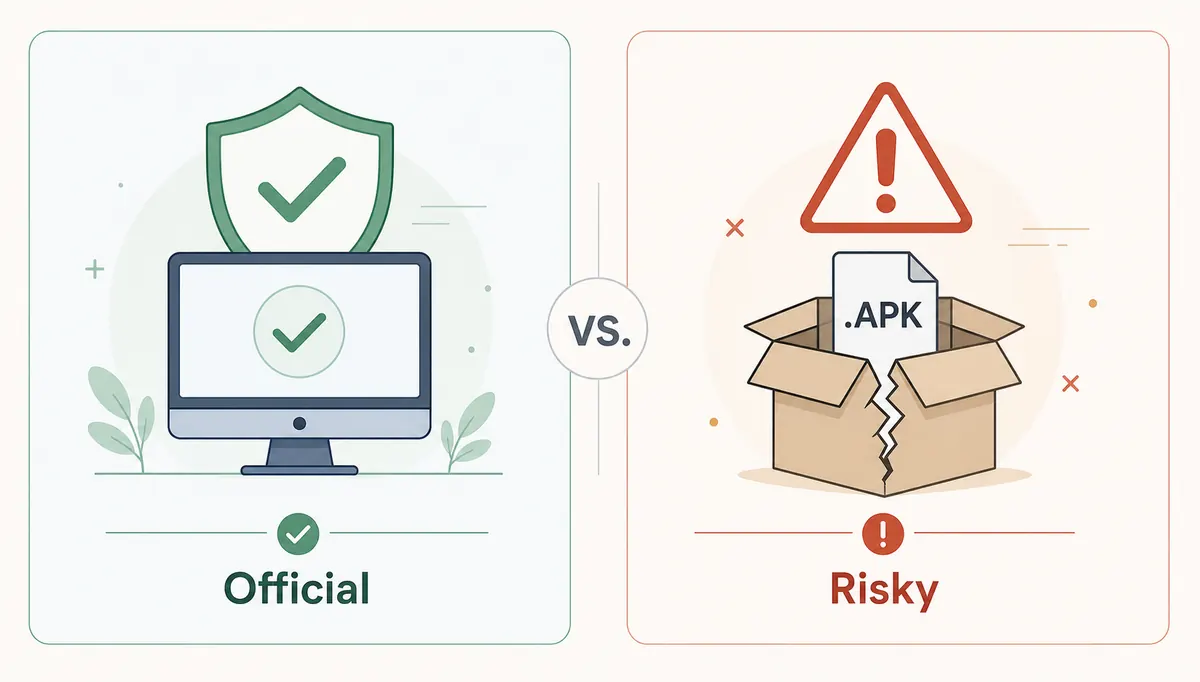
Many new players arrive from mobile or APK searches, but beginner gameplay advice should not imply that an official Android version exists. PC early access, server access, cloud streaming, modding, and a native mobile app are different claims. Keep them separate until Hytale confirms a specific platform or workflow.
Servers are also not all the same. A public server may offer a curated beginner path, but it can also require region-specific latency, moderation rules, extra downloads, or account expectations. If a server asks you to disable security tools, install a private patcher, use a cracked account flow, or share credentials, leave.
Mods can be exciting after you understand the base game. For a first session, however, avoid stacking mods, texture packs, or experimental tools. One unfamiliar system is easier to debug than five.
- For Android questions, read the dedicated Android status guide instead of assuming an APK exists.
- For private servers, use the server download guide and avoid repacks or cracked multiplayer claims.
- For mods, read the modding safety guide before installing community files.
- For performance, check the system requirements page before changing hardware or settings.
Common Hytale Beginner Mistakes
Most early problems come from mixing source safety, platform assumptions, and gameplay learning into one rushed download session.
- Installing the first APK or launcher mirror found in search results.
- Treating early access as a finished 1.0 release with every platform guaranteed.
- Skipping hardware checks, then assuming every stutter means the game is broken.
- Joining a public server before reading rules, region, moderation, and file requirements.
- Trying mods before learning vanilla controls, inventory, and world recovery.
- Exploring too far without a waypoint, shelter, or plan for getting back.
- Changing many settings or add-ons at once, making problems hard to diagnose.
What Should You Read After This Beginner Guide?
Use the next guide based on the question that blocks you now.
Hytale release date and early access status
Best when you need the current release wording and platform timeline.
Hytale Android APK status
Best when your main question is mobile, APK, or app-store availability.
Hytale system requirements
Best when you are unsure whether your PC can run early access smoothly.
Hytale server download guide
Best when you want private worlds, hosting, or multiplayer setup.
Hytale mods guide
Best when you want to understand mod safety and creator workflows.
Hytale price, payment, and refund guide
Best when your next question is cost, official checkout, refunds, or suspicious cheap offers.
Hytale launcher guide
Use this if your blocker is the official desktop launcher, installer, login, or unsafe launcher claims.
Hytale vs Minecraft guide
Best when you are deciding between Minecraft's mature ecosystem and Hytale's newer adventure-server direction.
Bottom Line
A good Hytale beginner guide should make the first session safer and simpler. Start with official sources, verify your device, learn the base loop, and keep APK, server, mod, and beta claims in their own lanes.
Once you understand movement, gathering, building, combat, and safe source checks, the next decision becomes much easier: upgrade your PC settings, join a trusted server, follow release updates, or explore mods with a clear rollback plan.
Frequently Asked Questions
Visual note
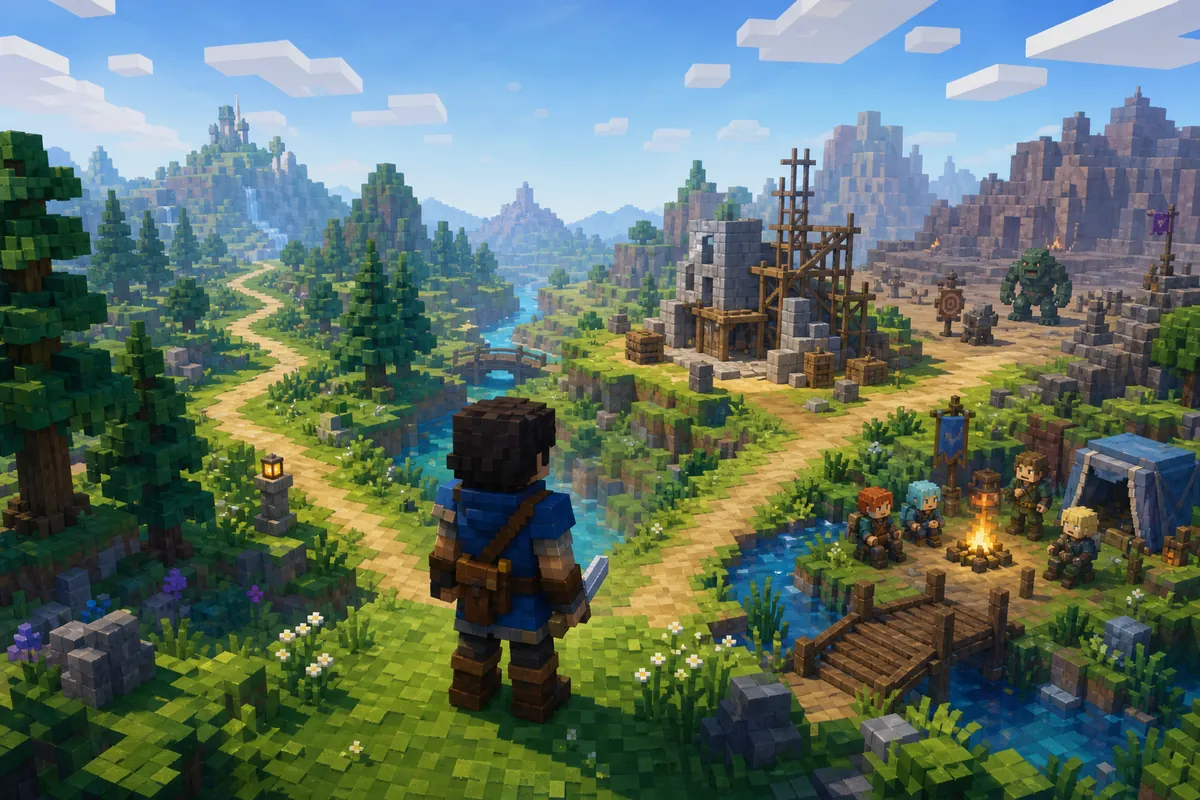
Media checked for this guide: official Hytale website, download/support pages, official news pages, and available site assets. Because redistributable official gameplay screenshots were not available in the project, the visuals on this page are clearly editorial concept graphics generated for explanation, not real gameplay screenshots or official UI.
References
- Hytale official website
- Hytale official download page
- Hytale support center
- Hytale official hardware requirements
Updated: 2026-06-23