Hytale Latest Version 2026: Stable Update, Hotfixes and Pre-Release Guide
Checked September 7, 2026: Update 6 is the live line, hotfix 0.6.4 belongs to it, and Update 7 Part 1 is optional pre-release content. Use this guide to choose a channel, update the launcher, and avoid client, server, or mod mismatches.
Short answer
Looking for the Hytale latest version? The stable line checked here is Update 6 with hotfix 0.6.4. Update 7 Part 1 is marked pre-release, so newer notes do not make it the universal live version.
Use the official launcher on the normal live channel, then confirm that a server and its mods use the same branch. Do not force an update with an APK mirror or loose patch file.
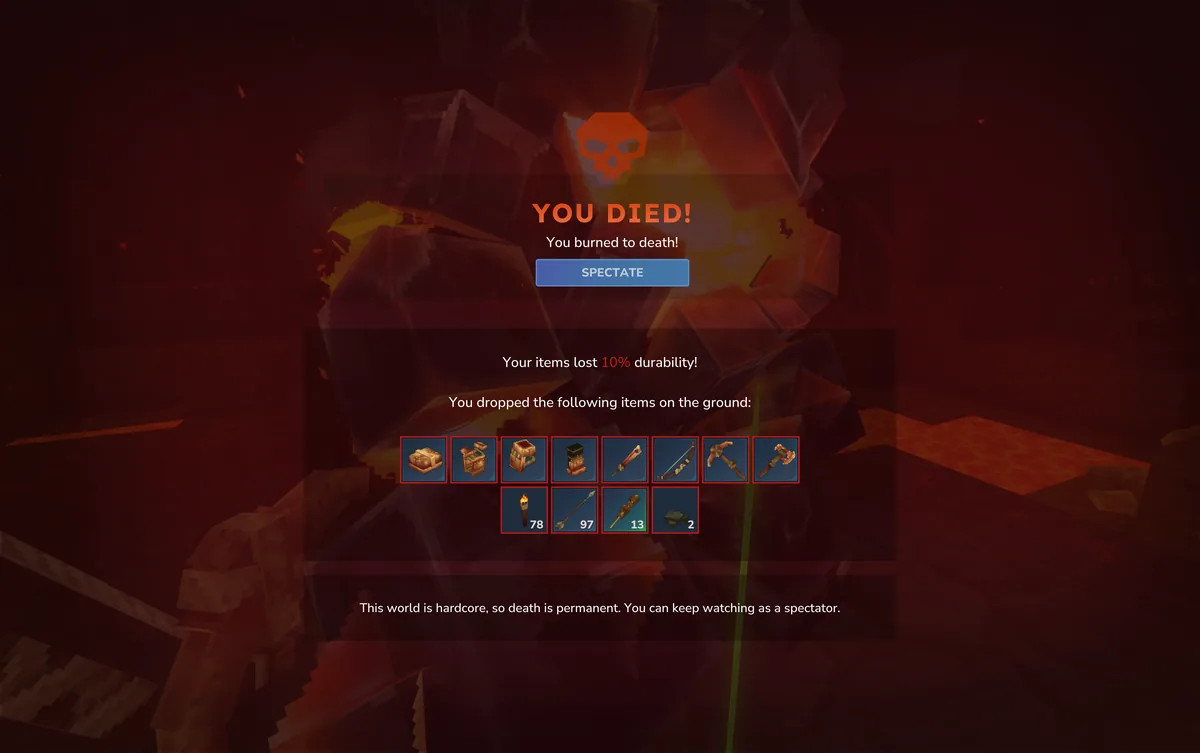
What is the latest Hytale version?
For the Hytale latest version, the official record checked on September 7, 2026 shows Update 6 as the normal live line and 0.6.4 as a hotfix within it. That is the practical stable answer for regular launcher users.
Update 7 Part 1 is listed as pre-release. It may contain newer development work, but it is optional and can change. The official pages checked describe desktop launcher access, not a verified Android APK, package name, or file size.
Stable, hotfix and pre-release labels
When several numbers appear in a launcher, search result, or server message, read the channel label as well as the number.
| Label | Status checked | What it means | Best choice for |
|---|---|---|---|
| Update 6 | Live update line | Current content and update family | Normal launcher players |
| 0.6.4 | Update 6 hotfix | Corrective patch inside the live line | Players offered the automatic hotfix |
| Update 7 Part 1 | Pre-release | Optional testing channel that can change | Players who choose to test |
| Update 5 / 0.5.7 | Historical | Older references in earlier guides | Old logs or archived posts |
| Unlabeled APK | Unverified | No official channel or matching release note | Nobody until verified |
What does Hytale Update 6 change?
Update 6 covers player features plus combat, world generation, documentation, server behavior, stability, and creator systems. The important question is which part affects your setup: solo players may care about gameplay, server owners need backups and plugin checks, and mod creators need to test against the exact branch.
Features can move between channels
Hardcore, Spectator, dungeon, combat, and interface work may appear first in a preview. A screenshot proves feature context, not identical behavior in every live client.
A hotfix stays in the same family
A label such as 0.6.4 normally arrives through the official launcher. Stop if a mirror asks you to replace files manually.
The branch matters to creators
Retest mods, plugins, resource packs, and server scripts after an update. Record the channel, exact label, enabled extras, and test date.
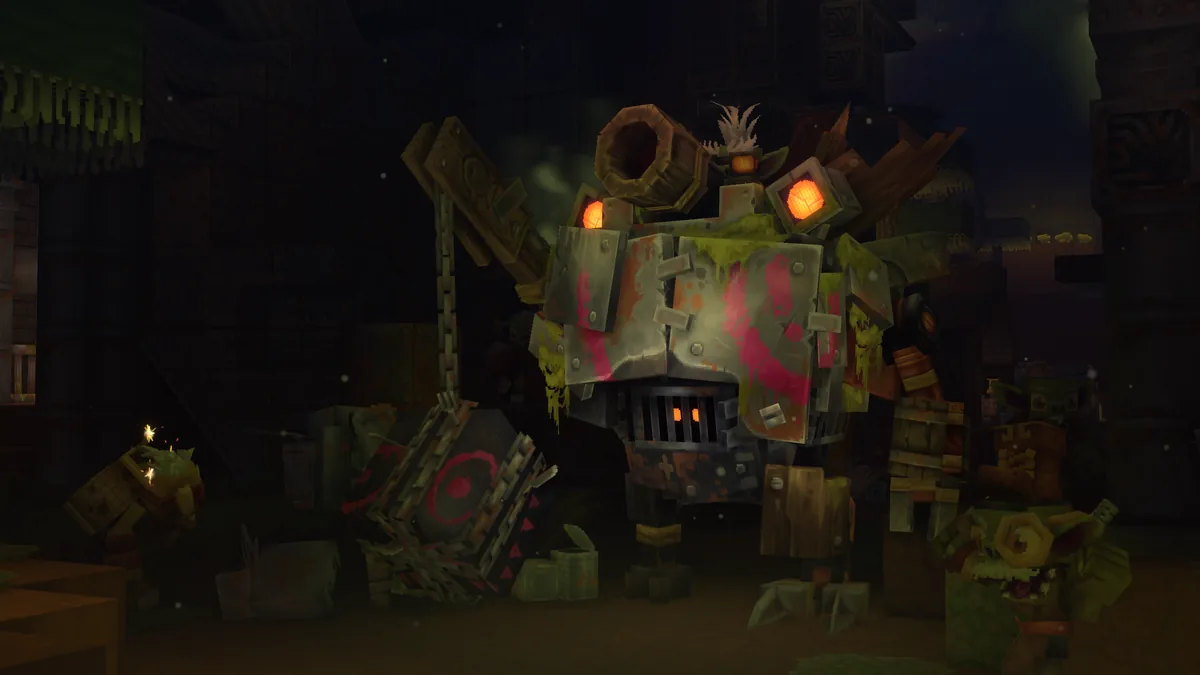
Stable vs pre-release: which should you use?
Choose live Update 6 when you want the predictable path for friends, public servers, or an established world. Choose pre-release only to test new work while accepting bugs and compatibility gaps.
Back up an important world before switching. Note the current branch and confirm that your friends or server use the same one; a separate test world is safer than assuming a rollback will undo test-build changes.
| Question | Live Update 6 / 0.6.4 | Update 7 pre-release |
|---|---|---|
| Reliability | Normal recommendation | Higher testing risk |
| Updates | Regular launcher flow | Opt in when the launcher offers it |
| Multiplayer | Match the server’s live channel | Join only a matching pre-release server |
| Mods | Use packages tested for live | Expect more compatibility checks |
How to update Hytale through the official launcher
Use the official desktop path, let the launcher manage files, and verify the channel afterward.
1. Start from the official download page
Open Hytale’s official download page or a launcher installed from it. Avoid mirrors promising a newer APK, cracked launcher, or manual hotfix.
2. Confirm the channel
Read the live or pre-release setting before updating. Write it down when coordinating with friends or a server owner.
3. Let the launcher finish
Keep enough disk space, do not interrupt file replacement, and never copy a random DLL, ZIP, or APK into the game folder.
4. Launch once without mods
Reach the menu or a disposable test world in a clean state. This separates an installation issue from a mod, shader, overlay, or config issue.
5. Restore extras gradually
Re-enable mods and plugins in small groups. Check the creator’s compatibility note when one item fails.
Do not chase a loose version number
Anyone can rename a file ‘latest’. The reliable chain is an official source, visible channel, launcher-managed update, and a matching client or server test.
Client, server and mod compatibility
A client update is only half of multiplayer maintenance. Before opening a community world, record the client label and server branch, then compare them with the official manual or release notes.
Ask for the exact label when an owner says ‘latest’. Live Update 6 and Update 7 pre-release are not interchangeable. Back up the world, update through the documented path, and test one account before inviting everyone.
| Layer | Check | If it does not match |
|---|---|---|
| Client | Channel and exact label | Switch or update through the launcher |
| Server | Same branch and package notes | Do not open the world yet |
| Mods/plugins | Tested build range and dependencies | Disable the suspect item and test clean |
| World/config | Backup before replacement | Restore the known-good backup |
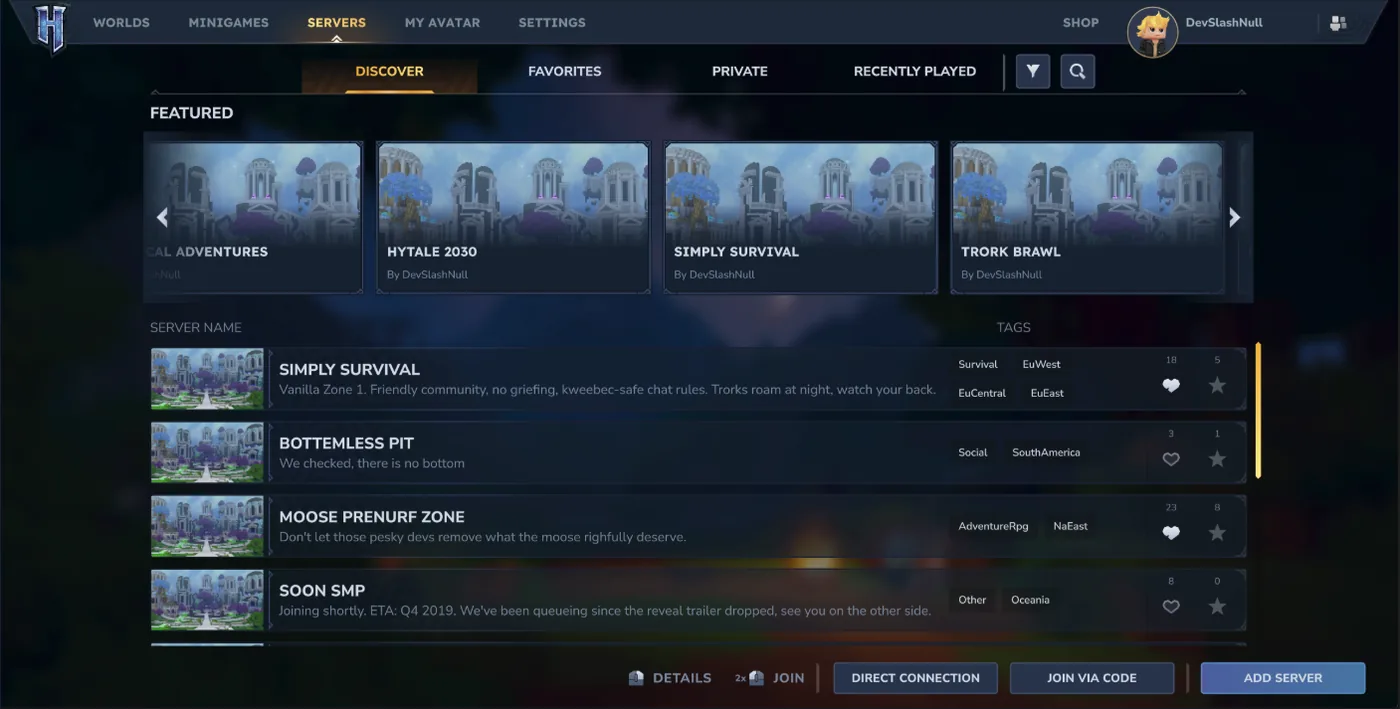
Hytale version mismatch troubleshooting
Use the symptom to narrow the cause before downloading anything. Channel settings, stale launcher state, and outdated mods are common explanations.
| Symptom | Likely cause | First safe action |
|---|---|---|
| Launcher shows an older label | Cached state or different channel | Restart the official launcher and read its channel |
| You cannot join a friend | Different client and host branches | Compare the exact live or pre-release label |
| A mod crashes after update | Earlier API or asset layout | Test without it and check the creator’s note |
| Server loops after maintenance | Incomplete replacement or wrong package | Preserve logs and restore the last good backup |
Safe download checks for the latest Hytale version
Hytale APK is a common search phrase, but the sources checked here describe the official desktop route. Keep an Android claim separate from the verified update record.
- Use hytale.com/download or a launcher link reached from an official Hytale page.
- Treat an Android APK, package name, file size, or mobile-version claim as unverified unless Hypixel Studios publishes it.
- Avoid cracked launchers, repacks, redirect chains, extra installers, and files that ask you to disable security protections.
- A logo, screenshot, comments, or mirror label is not a substitute for a first-party release note.
For installation details, use the launcher guide for desktop and the Android status guide for the separate mobile question. This page does not claim a verified Android APK or stable direct file URL.
The practical answer
For a normal session, use the official launcher and live Update 6 with hotfix 0.6.4. Update 7 Part 1 is a separate pre-release choice, not a reason to replace a stable installation with a random file.
When troubleshooting, record the exact label, channel, client or server role, and date checked. Revisit this guide when an official note changes the channel.
Hytale latest version FAQ
Official sources checked
- Hytale official game updates
- Hytale Update 6 patch notes
- Hytale Update 6 hotfixes
- Hytale Update 7 Part 1 pre-release notes
- Hytale official download page
Checked September 7, 2026. The official pages distinguish live Update 6, hotfix 0.6.4, and Update 7 pre-release; recheck them before a major update.
The three visuals use official Hytale media already stored and compressed in this repository. Captions identify gameplay or server context; none is presented as a live launcher version screen.