Hytale Commands List: Admin, Server, Teleport, and Give Commands
A practical Hytale commands guide with copy-ready examples, permission checks, safe workflows, and troubleshooting notes.
Quick answer
Start with /help, then use /help <command> when the server provides command-specific syntax. Common examples include /list, /tp, /give, /gamemode, /kick, /ban, /op, and /whitelist, but availability depends on the build, server configuration, and your permissions. Treat the tables as practical references: back up shared worlds, test on a private server, and confirm changes with the official server manual.
What are the most useful Hytale commands?
For a player or server owner, /help is the most useful first command because the running build can show registered commands and accepted arguments. When supported, /help <command> is more reliable than copying an old community list. Early Access changes can affect names, permissions, or argument order.
Visibility and movement commands usually include /list or /who for connected players and /tp for moving a player or reaching a location. Testing often uses /give and /gamemode. Moderation and access examples include /kick, /ban, /op, /deop, and /whitelist. These examples describe the task; your server help output controls the exact form.
Chat, console, and hosting panels may use different input rules. A chat command often starts with a slash, while a console may omit it. Before an access, inventory, world, or lifecycle change, make a backup, announce the action, and test with a non-critical account.
Hytale command syntax and permissions
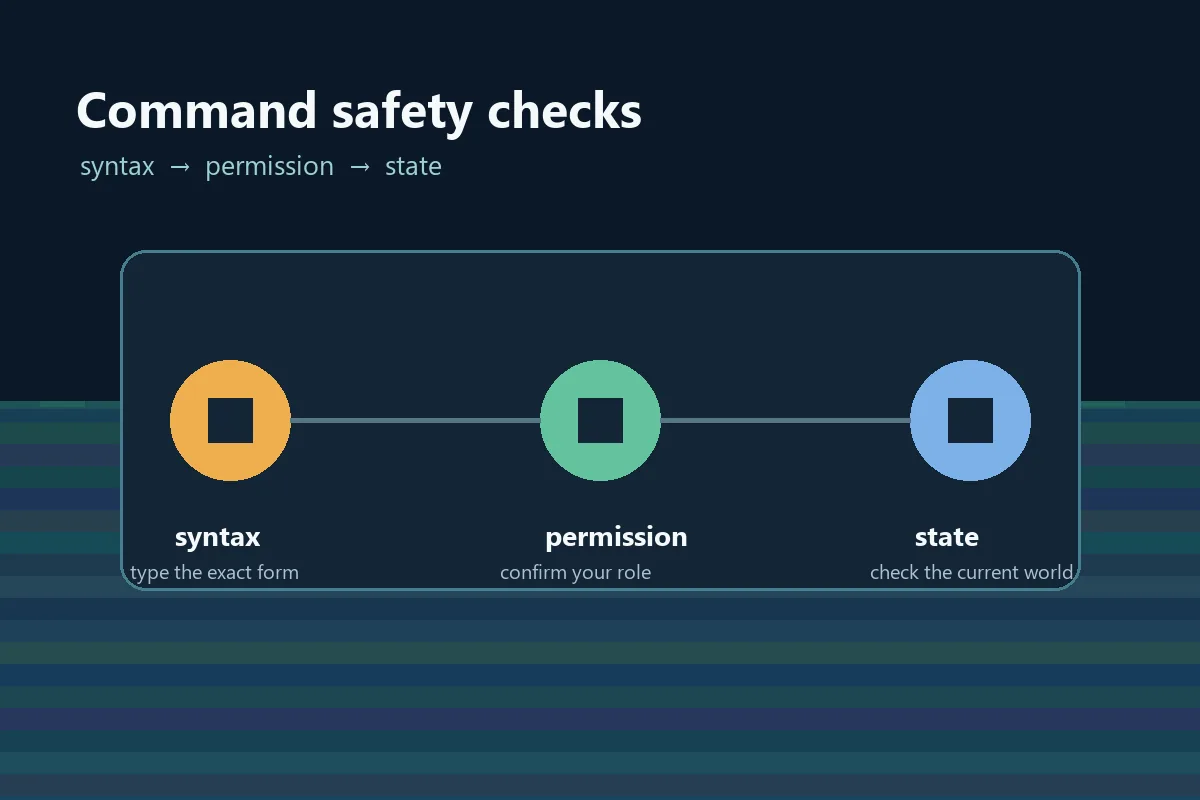
First identify where the command is entered: player chat, server console, or a host panel. Check whether the interface expects a leading slash, then use the exact command name and argument order shown by /help. Avoid doubled slashes, copied quotation marks, and display names that are not valid identifiers.
A permission error means the server recognized the command but rejected your role; changing spelling will not fix it. Player, item, and numeric arguments also have build-specific rules. Start with a harmless read-only command and use the smallest permission needed for the task.
| Check | Confirm | Why it matters |
|---|---|---|
| Where | Chat, console, or panel | Slash and permissions can differ. |
| Syntax | Name and argument order | Old guides may target another build. |
| Identity | Exact player or item ID | Display names are not always valid. |
| Role | Operator or custom permission | A recognized command can still be blocked. |
| State | World, target, and timing | A valid command may have no visible effect. |
Essential Hytale commands list
Use this compact Hytale commands list as a starting map. Run /help first and verify every example against your server.
| Example | Typical use | Risk or note |
|---|---|---|
| /help | Show commands or categories. | Low risk; best first check. |
| /help <command> | Show one command's arguments. | Availability varies by build. |
| /list | Show connected players. | Some servers use /who. |
| /tp <player> | Move yourself or a target. | Confirm the target first. |
| /give <player> <item> [amount] | Give an item for testing. | Use a controlled amount. |
| /gamemode <mode> | Switch a supported mode. | Can change world interaction. |
| /time set <value> | Adjust world time. | Announce shared-state changes. |
A third-party list does not prove that a command exists on your server. If an example returns unknown command, use /help and current host documentation instead of guessing aliases.
Hytale admin and server commands
Hytale admin commands can change access, moderation, inventory, or world state. Treat them as operational actions: tell players what will happen, back up when saved data or access rules are involved, and keep a short change record.
Access examples such as /op, /deop, and /whitelist affect who can control or join a server. /kick and /ban affect player access. Save, reload, stop, or backup actions may be exposed by a console or host panel rather than chat. Do not import Minecraft syntax without checking Hytale help.
| Example | Typical job | Before running it |
|---|---|---|
| /op <player> | Grant operator access. | Confirm the account and use temporary access. |
| /deop <player> | Remove operator access. | Keep a recovery account available. |
| /kick <player> | Remove a current player. | Confirm the target and reason. |
| /ban <player> | Block a player when supported. | Record the reason and restore path. |
| /whitelist add <player> | Allow a named player to join. | Use the exact account name. |
Teleport, give, and creative command examples
The most searched examples are a Hytale teleport command, a Hytale give command, and a way to change mode. These are useful, but they are also the least safe commands to guess: a wrong target can move another player, an invalid item ID can fail, and a mode change can affect a shared world.
Confirm each form with /help, then test on yourself or a disposable account. Keep the result visible so you can verify position, inventory, mode, or world state.
- Teleport
/tp <player>— Use the target or coordinate form shown by your server. - Give
/give <player> <item> [amount]— Use the current item ID and a small amount. - Mode
/gamemode <mode>— Confirm supported mode names before changing a shared world. - Spawn
/spawn— Check whether the current server has a configured destination.
For creative testing, a private world and reversible backup are safer than experimenting on a public survival server.
A safe workflow for Hytale server commands
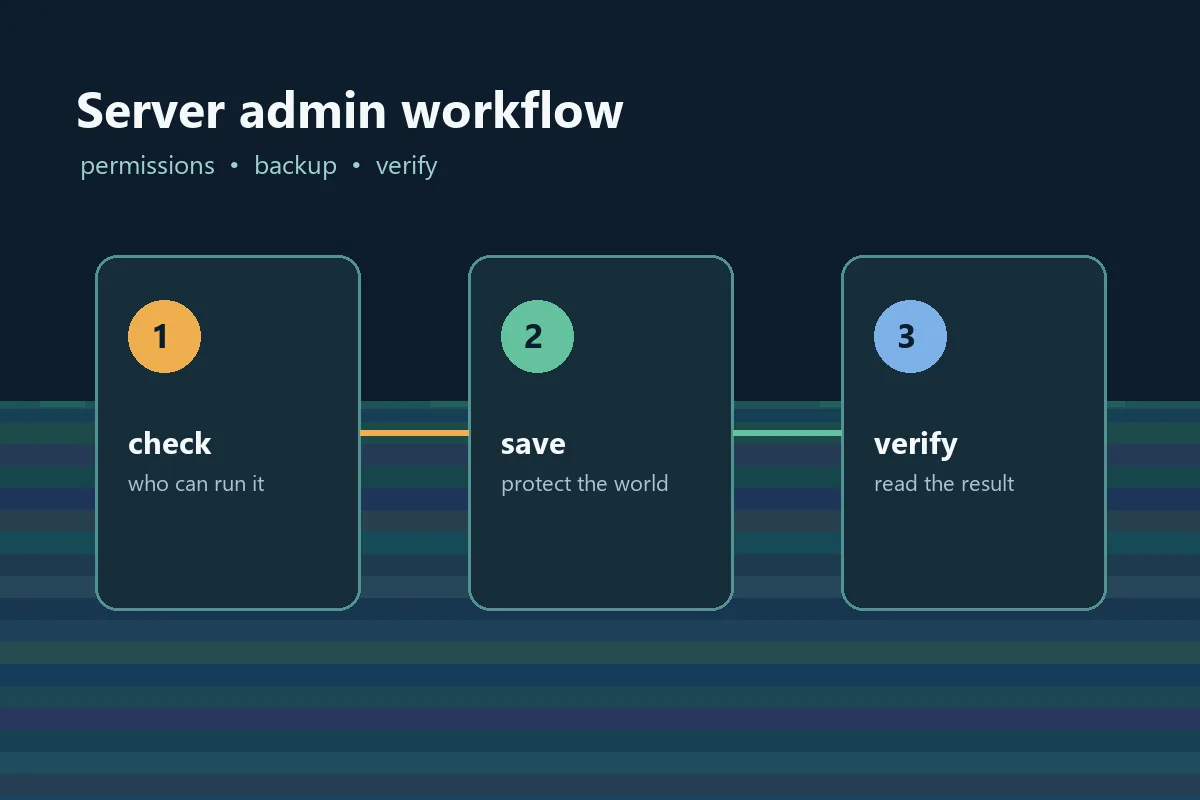
A good Hytale commands workflow treats every command as an operation on a shared world. Record the command, account, time, and result so another moderator can reproduce the check.
For hosting, pair command knowledge with the server's setup and update routine. A command list cannot tell you where a host stores backups or how its panel translates console input.
- Identify context — Choose chat, console, or host panel.
- Read current help — Run /help on the same build.
- Protect the world — Back up before access or world changes.
- Test and verify — Use a narrow target, read the result, and record it.
Stop after a small number of failed attempts; repeated guesses make syntax, permission, and state problems harder to separate.
Why a Hytale command fails
Copy the exact error before changing anything. Unknown command usually means the command is not registered in that context or build. Usage or argument errors mean the command exists but the form is wrong. A permission response means the role cannot execute it.
If the command seems to work but nothing changes, check the target, dimension, item ID, amount, and current state. After an update, compare the official notes and server manual before using an older community list.
| Symptom | Likely cause | Next check |
|---|---|---|
| Unknown command | Not registered here. | Run /help and check chat versus console. |
| Usage error | Wrong argument form. | Use /help <command>. |
| No permission | Role cannot run it. | Ask the owner to verify scope. |
| No visible result | Target or state mismatch. | Verify from another account. |
Update and build context for Hytale commands
This guide was reviewed on September 8, 2026 against the official Update 6 hotfix context, including the 0.6.4 note dated September 7. Preview and release channels can behave differently, so this date is a review boundary, not a promise that syntax will stay fixed.
After an update, rerun /help, confirm permissions, and revise server notes when an argument or command changes.
Bottom line
The best Hytale commands list matches the build and server where you play. Start with /help, verify the context, and separate read-only checks from actions that change access, inventory, or world state.
For shared worlds, a backup and a short change record are part of responsible admin work.
Hytale commands FAQ
References
- Hytale official Server Manual
- Hytale official Update 6 hotfix notes
- PC Gamer: Hytale console commands guide
Updated for current Early Access context: September 8, 2026
Related Hytale resources
Commands make more sense when the server and player connections are configured correctly.
- Hytale server setup guide — Plan hosting, access, and player connection steps.
- Hytale server update guide — Review update preparation and rollback checks.
- Hytale multiplayer guide — Connect command use with shared worlds.
- Hytale mods guide — Keep mod installation separate from command permissions.